AI Music Video Generator from Lyrics [2026 Guide]
Generate music videos from lyrics using AI. Step-by-step guide to create lyric videos with automatic text sync for YouTube, Spotify Canvas, and TikTok.
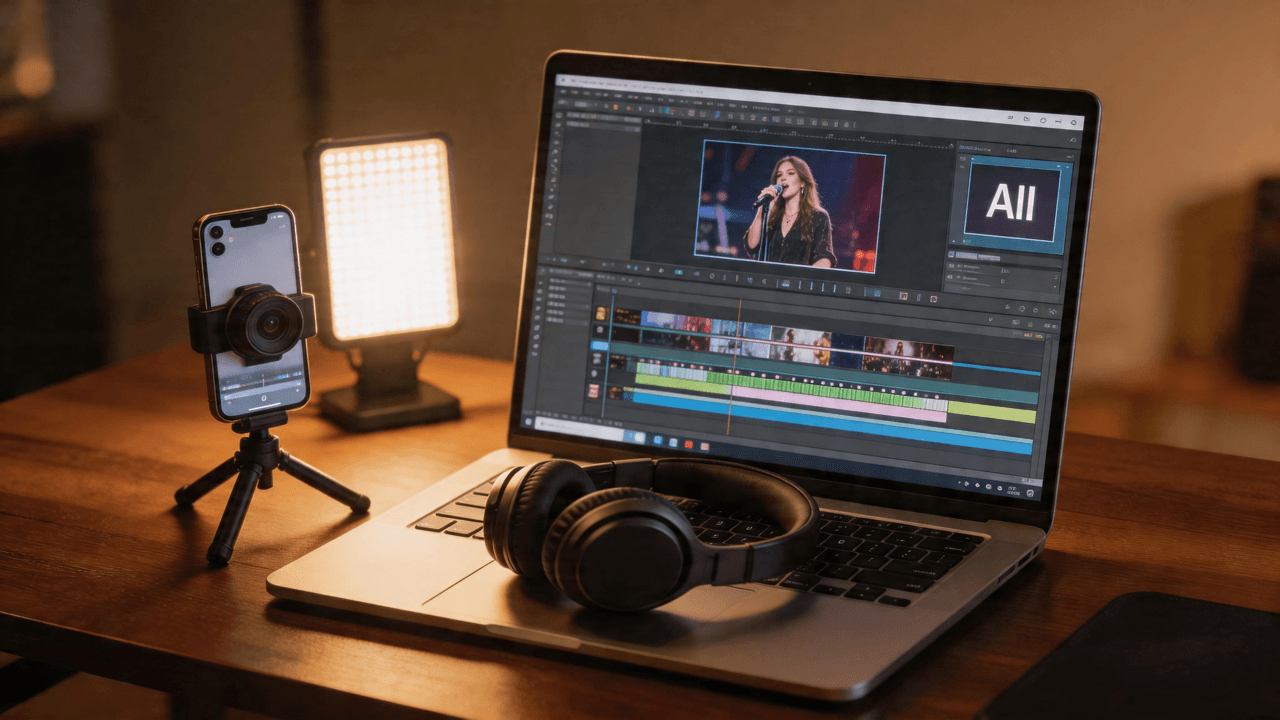
![AI Music Video Generator from Lyrics [2026 Guide]](/_next/image?url=%2Fimages%2Fblog%2Fai-lyric-video-generator.png&w=3840&q=75 "AI Music Video Generator from Lyrics [2026 Guide]")
Summary: As of April 2026, AI lyric video generators — also called AI lyrics-to-video tools, automated lyric video makers, and music-to-lyric-video platforms — produce professional-quality lyric videos in 10-20 minutes for under $20. VibeMV offers two approaches: a free Lyric Video Maker tool (AI-powered word-level sync with 4 animation effects, no account needed, 3 videos/day) and a full AI music video generator with lip-sync and beat-synced visuals ($0-$49/month). Both support 16:9 (YouTube) and 9:16 (TikTok, Reels, Spotify Canvas) formats. This guide compares leading platforms, walks through creation workflows, and covers platform-specific optimization.
VibeMV Lyric Video Specs:
- Free Tool: Lyric Video Maker — AI transcription + 4 animation effects
- AI Engine: Groq Whisper Large V3 (word-level timing accuracy)
- Animation Effects: Karaoke, Typewriter, Fade, Glow
- Output: 1080p MP4, 30fps
- Price: Free (3 videos/day, no login required)
- Full AI Music Video: VibeMV Generator — lip-sync + beat-synced AI visuals, from $19/month
Lyric videos have become one of the most-watched content formats on YouTube. For musicians, they serve as both a promotional tool and a revenue stream, often accumulating millions of views while a full music video is still in production. The problem has always been that creating them required motion graphics expertise, expensive software, or hiring a freelancer. An AI lyric video generator changes that equation entirely.
In this guide, we break down how AI tools are transforming lyric video production, compare the leading platforms, and walk you through a complete workflow for creating professional lyric videos in minutes rather than days. Whether you are preparing a single release or building a catalog of visual content, this guide covers every step from upload to publish.
Key Takeaways
- Lyric videos drive massive engagement on YouTube, often outperforming official music videos in view counts during the first week of release.
- AI eliminates the editing bottleneck by handling audio analysis, visual generation, and synchronization automatically.
- No technical skills required -- modern AI tools produce polished results from a simple audio upload and style selection.
- Multi-platform output is essential. Generate 16:9 for YouTube and 9:16 for TikTok, Reels, and Spotify Canvas from the same source audio.
- Beat-sync and lip-sync combined is the key differentiator. VibeMV is one of the few tools that pairs automatic audio segmentation with AI lip-sync generation in a single workflow.
- Cost has dropped dramatically -- professional-quality lyric videos that once cost $500-2,000 to commission can now be created for under $20.
Why Lyric Videos Matter for Musicians
Lyric videos are no longer a secondary format. They have become a core part of every release strategy, and for good reason.
YouTube Engagement
Lyric videos consistently rank among the highest-performing content types for music channels. They satisfy a specific viewer intent: fans want to learn the words, sing along, and share their favorite lines. This intent drives longer watch times, higher completion rates, and stronger algorithmic distribution than many other video formats.
For independent artists especially, a lyric video published on release day captures search traffic from listeners who heard the track on a playlist and immediately searched for the lyrics. Without a lyric video, that search traffic goes to third-party lyric sites instead of your own channel.
Pre-Release and Launch Strategy
Many labels and independent artists now release lyric videos before the official music video. This creates a two-phase launch: the lyric video builds anticipation and teaches fans the words, then the full music video arrives as the second wave of content. Each release becomes two distinct promotional moments rather than one.
Lower Production Cost Than Full Music Videos
A professionally produced music video can cost anywhere from $5,000 to $50,000 or more. A lyric video, even when produced traditionally, costs a fraction of that. With AI generation, the cost drops further to the price of a few credits or a monthly subscription. This makes lyric videos the single most cost-effective visual content format for musicians working with limited budgets. For a detailed cost breakdown, see our guide on the cheapest way to make a music video in 2026.
Spotify Canvas and Social Platforms
Beyond YouTube, lyric-driven visual content works across the entire distribution ecosystem. Short loops work as Spotify Canvas clips, vertical cuts perform on TikTok and Instagram Reels, and still frames make compelling social media posts. One lyric video generation session can produce content for every platform you publish on.
For a broader look at how AI video tools fit into an independent artist's workflow, see our guide on AI music videos for independent artists.
Types of Lyric Videos
Not all lyric videos follow the same format. Understanding the major types — from kinetic typography (animated text on screen) to fully AI-generated visual performances — helps you choose the right approach for your track and audience.
Kinetic Typography
The classic lyric video format. Kinetic typography (animated text that moves, scales, and transitions in sync with audio) displays lyrics on screen as they are sung — words fly in, scale up, bounce, or dissolve matching the vocal performance. The background is typically minimal: a solid color, a subtle gradient, or a slow-moving texture. Kinetic typography puts the lyrics front and center and is the easiest type to produce, but it can feel generic without strong design choices.
Visual Story with Lyrics Overlay
This approach pairs narrative or aesthetic visuals with lyrics displayed as a text overlay. The visuals tell a story or create a mood while the lyrics appear on screen as subtitles or stylized text. This format works well for emotional ballads, storytelling tracks, and any song where the visual atmosphere is as important as the words.
Animated Lyric Videos
Fully animated lyric videos use motion graphics, illustrated characters, or abstract visual sequences that respond to the music. These are the most production-intensive traditional format, often requiring After Effects expertise and days of work. AI generation is beginning to make this style accessible to non-animators.
AI-Generated Visuals with Lyrics
The newest category combines AI-generated imagery and video with automatic lyric synchronization. Rather than animating text over static backgrounds, AI tools generate unique visual content for each section of the song. Vocal sections can receive lip-sync treatment where an AI character appears to perform the lyrics, while instrumental breaks get stylized visuals matched to the musical energy. This is where the field is moving fastest. For a comprehensive overview of all available platforms, see our roundup of the best AI music video generators.
AI Lyric Video Tools Compared (2026)
Choosing the right tool depends on your budget, technical comfort level, and the type of lyric video you want to create. Here is how the major options compare.
| Tool | AI Features | Lyrics Support | Starting Price | Best For |
|---|---|---|---|---|
| VibeMV | Smart audio segmentation, vocal detection, AI lip-sync, auto storyboard | AI-synced visuals for vocal sections | Free (50 credits) | Musicians who want beat-synced + lip-synced lyric videos without editing |
| Canva | Basic templates, limited animation | Manual text placement over templates | Free (limited) / $13/mo | Simple kinetic typography with drag-and-drop editing |
| Kapwing | Auto-captions, basic AI editing | Subtitle-style lyrics via auto-transcription | Free (limited) / $16/mo | Adding lyrics as subtitles to existing footage |
| After Effects | None (manual workflow) | Full manual control with expressions and keyframes | $23/mo (Adobe CC) | Professional motion designers who need complete creative control |
| Veed.io | Auto-subtitles, basic AI tools | Subtitle generation from audio | Free (limited) / $18/mo | Quick subtitle-style lyrics on existing video clips |
Competitor pricing is approximate and may have changed. Visit each tool's website for current rates.
VibeMV stands apart from the other tools in this comparison because it was built specifically for music-to-video conversion. While Canva, Kapwing, and Veed.io are general-purpose video editors that happen to offer lyric-related features, VibeMV's entire pipeline is designed around audio analysis. It automatically segments your track using audio analysis and vocal detection, then generates AI visuals matched to each segment. The lip-sync mode is particularly relevant for lyric videos because it creates the visual impression of a character performing your lyrics, which no other tool in this list offers natively.
VibeMV's Free Lyric Video Maker
In addition to the full AI music video generator, VibeMV offers a dedicated free Lyric Video Maker tool — a browser-based tool specifically for creating lyric videos with automatic text synchronization.
How it works:
- Upload your audio file (MP3, WAV, M4A, WEBM, or OGG, up to 25MB)
- AI transcribes your lyrics using Groq Whisper Large V3 with word-level timing
- Choose from 4 animation effects:
- Karaoke — words highlight one by one as they're sung (green highlight)
- Typewriter — characters appear one by one with blinking cursor
- Fade — smooth fade in/out of each lyric line
- Glow — neon pulsing effect with animated shadows
- Optionally upload a custom background image
- Preview in real-time, then export as 1080p MP4 at 30fps
Key details:
- Price: Free
- Daily Limit: 3 videos per day
- Login Required: No
- Processing Time: Under 60 seconds for transcription
- Export: Browser-based rendering (your video never leaves your device)
- Watermark: "Made with VibeMV"
This tool is ideal for musicians who want a quick, traditional-style lyric video (animated text over a background) without the cost or complexity of AI-generated visuals. For more advanced lyric videos with AI character performances and lip-sync, use the full AI music video generator.
Try the free Lyric Video Maker →
Limitations Worth Knowing
AI lyric video generators have improved dramatically, but honest awareness of current limitations helps set realistic expectations:
- Text overlay accuracy varies — AI-generated visuals do not automatically display lyrics as on-screen text. For traditional text-based lyric videos, you may need to add text overlays in post-production or use a dedicated tool like Kapwing
- Visual consistency across a 3-4 minute video can drift, with subtle style shifts between segments that require manual review
- Niche genres (extreme metal, spoken word, avant-garde) may not produce results matching the genre's visual conventions
- Iteration costs add up — while individual regenerations are inexpensive, extensively iterating on a full-length video across 20+ segments can consume significant credits
Despite these trade-offs, AI lyric video generators represent the most cost-effective approach for independent musicians who need visual content quickly, and results continue improving with each platform update.
How to Create a Lyric Video with AI
Here is the complete step-by-step workflow for creating a lyric video using VibeMV. The process takes roughly 10-20 minutes from upload to finished video.
Step 1: Upload Your Track
Start by uploading your audio file. VibeMV accepts MP3, WAV, AAC, and M4A formats up to 100 MB in size. Track length should be between 3 seconds and 5 minutes.
For lyric videos, audio quality matters more than you might expect. The AI uses your audio to detect vocals, identify beats, and find natural segment boundaries. A clean, well-mixed master produces more accurate analysis than a rough demo. If you have both a demo and a final mix, always upload the final mix. For detailed guidance on audio file preparation, see our guide on creating music videos from audio files.
Step 2: Let AI Analyze and Segment Your Audio
After upload, VibeMV's smart audio segmentation engine analyzes your track. This typically takes 30-60 seconds and produces:
- Audio analysis identifies the song's structure and determines where visual transitions occur.
- Vocal detection identifies which sections contain vocals and which are instrumental, enabling lip-sync processing on the right segments.
- Natural segment boundaries split the track into logical sections (intro, verse, chorus, bridge, outro) based on musical structure.
The result is an automatic storyboard: your song divided into segments, each ready for its own visual treatment. You can review and adjust segment boundaries if the automatic detection does not perfectly match your song's structure.
Step 3: Choose Visual Styles and Write Prompts
For each segment, you can select a visual style or write a custom prompt describing the imagery you want. The AI Director feature can also auto-generate storyboard prompts based on the audio characteristics.
Effective prompt strategies for lyric videos:
- Match mood to section: Write darker, more introspective prompts for verses and brighter, more energetic prompts for choruses.
- Keep descriptions focused: Three to five key attributes per prompt work better than long paragraphs. Describe subject, environment, lighting, and mood.
- Consider visual continuity: Use similar color palettes and settings across segments to maintain a cohesive look.
Example prompts for a lyric video:
- Verse: "A solitary figure walking through fog, muted blue tones, soft ambient lighting, contemplative mood"
- Chorus: "Same figure now surrounded by golden light, dramatic uplighting, warm color palette, powerful and uplifting"
Step 4: Enable Lip-Sync Mode for Vocal Sections
This is where AI lyric videos diverge from traditional approaches. For segments containing vocals, enable lip-sync mode and upload a character reference image. VibeMV generates video of the character appearing to sing your lyrics, synchronized to the actual vocal performance.
Lip-sync mode transforms a standard visual accompaniment into something that feels like a performance video. For lyric videos specifically, this adds a layer of engagement that static text animations cannot match. Viewers see a character delivering the lyrics rather than just reading words on screen.
For a deep dive into getting the best results from AI lip-sync, read our guide on song-to-video AI.
Step 5: Select Aspect Ratio and Generate
Choose your output format:
- 16:9 for YouTube, Vimeo, and standard video platforms
- 9:16 for TikTok, Instagram Reels, YouTube Shorts, and Spotify Canvas
Credits are consumed at 2 per second of video generated. A typical 3-minute lyric video uses approximately 360 credits. On the free tier (50 credits), you can generate roughly 25 seconds of video to test the workflow. The Hobby plan at $19/month provides 600 credits, enough for one full-length lyric video plus previews and iterations.
Hit generate, and the AI produces your complete lyric video in 5-15 minutes depending on track length and selected options.
Step 6: Review and Iterate
Watch the generated video from start to finish. Check that:
- Visual transitions align with musical transitions
- Lip-sync sections look natural and well-timed
- The overall mood matches your creative vision
- No visual artifacts or inconsistencies appear
If specific segments need adjustment, you can regenerate individual sections without redoing the entire video. Iteration is fast and inexpensive compared to traditional lyric video production where a single round of revisions might take days.
Platform-Specific Tips
A single lyric video often needs to work across multiple platforms, each with different format requirements and audience expectations.
YouTube Lyric Videos
YouTube remains the primary destination for lyric videos, and optimizing for the platform means more than just uploading a 16:9 file.
Title format: Use a consistent, searchable format. The standard convention is: Artist Name - Song Title (Official Lyric Video). This matches how viewers search for lyric content and tells the algorithm exactly what your video is.
Description optimization: Include the full song credits, links to streaming platforms, timestamps for different sections, and relevant keywords naturally woven into the first two lines. YouTube's algorithm heavily weights the description for search ranking.
Thumbnail strategy: Create a custom thumbnail that clearly communicates this is a lyric video. Include the song title in readable text and a visually striking frame from the video. Do not rely on auto-generated thumbnails.
End screens and cards: Link to your full music video (if available), your channel subscription prompt, and related tracks. Lyric video viewers are highly engaged fans who are likely to explore more of your catalog.
For a complete strategy on optimizing AI music videos for YouTube specifically, see our guide on AI music video for YouTube.
Spotify Canvas
Spotify Canvas displays a looping 3-8 second vertical video on the playback screen. For lyric videos, this means extracting the most visually captivating moment from your generated video and creating a seamless loop.
Format: 9:16 vertical, 3-8 seconds, looping seamlessly.
Content strategy: Choose a section with strong visual movement that loops cleanly. Lip-sync moments work well because the mouth movement creates a hypnotic repetition. Avoid sections with dramatic scene changes that create a jarring loop point.
Impact: Spotify reports that Canvas clips increase stream save rates and playlist additions. For lyric videos, a Canvas clip featuring a striking visual moment from the full video drives viewers to seek out the complete version on YouTube.
TikTok and Instagram Reels
Short-form vertical platforms demand a different approach than YouTube. Your lyric video content needs to be reformatted and re-strategized for these audiences.
Format: 9:16 vertical, 15-60 seconds optimal length.
Hook in the first 2 seconds: The opening frame must stop a scrolling thumb. Start with your most visually striking moment, not a slow build. For lip-sync lyric content, an immediate close-up of the character beginning to sing creates an instant connection.
Clip strategy: Rather than posting a shortened version of your full lyric video, generate dedicated 9:16 clips highlighting the most memorable lyric moments. The chorus hook, a standout bridge line, or an emotionally resonant verse all make strong standalone TikTok posts.
Volume matters: Post multiple clips from the same song across different days. Each clip reaches a different slice of the audience and reinforces the track. AI generation makes this volume sustainable, especially when compared to traditional video production timelines.
For a complete TikTok optimization strategy, see our guide on AI music video generator for TikTok.
Frequently Asked Questions
Q: Can AI generate lyric videos automatically?
A: Yes. As of 2026, AI lyric video generators analyze your audio, detect vocal sections, segment the track by beats and transitions, and generate matching visuals automatically. Tools like VibeMV handle the entire pipeline — from audio upload to finished video — without manual editing. The AI's smart segmentation identifies where vocals occur, applies lip-sync processing to those sections, and generates complementary visuals for instrumental portions. The entire process takes 10-20 minutes rather than the hours or days required by traditional methods.
Q: How much does an AI lyric video cost?
A: Costs range from free to $99/month depending on the tool and volume. VibeMV offers a free tier with 50 credits, subscription plans from $19/month, and credit packs starting at $19. Credits are consumed at 2 per second of video, so a 3-minute lyric video uses roughly 360 credits. For comparison, commissioning a freelance motion designer costs $300-$1,500, and professional studio production runs $1,000-$5,000 or more.
Q: What is the best aspect ratio for lyric videos?
A: Use 16:9 (1280x720 or 1920x1080) for YouTube and standard video platforms. Use 9:16 (720x1280 or 1080x1920) for TikTok, Instagram Reels, YouTube Shorts, and Spotify Canvas. Most AI generators let you select aspect ratio before generation so visuals are composed correctly for each format. Avoid cropping a 16:9 video to 9:16 after the fact — this cuts off the sides of the frame and produces an unprofessional result. Instead, generate separate versions optimized for each orientation.
Q: Do I need editing skills to make an AI lyric video?
A: No. AI lyric video generators handle audio analysis, visual generation, and audio-video synchronization automatically. You upload your track, choose a style, and the AI produces a finished video. No timeline editing, keyframing, or motion graphics experience is required. The workflow is designed so that a musician with zero video production experience can create a professional-quality lyric video on their first attempt.
Q: What is the difference between a lyric video and a music video?
A: A lyric video is a visual accompaniment to a song that emphasizes the lyrics — either through on-screen text, kinetic typography, or AI-generated character performances that visually deliver the words. A standard music video focuses on narrative storytelling, performance footage, or artistic visuals without necessarily displaying lyrics. In 2026, the line between these formats is blurring as AI tools generate character performances that function as both lyric videos and music videos simultaneously.
If your workflow involves combining your own audio tracks with AI-generated visuals, our guide on adding audio and video together with AI covers the full process.
Conclusion
Lyric videos are no longer optional content for musicians. They capture search traffic, extend release campaigns, drive engagement across every platform, and give fans exactly what they are looking for: a way to connect with your words. The barrier to creating them has historically been technical skill and production cost. AI lyric video generators have removed both barriers entirely.
The workflow we have outlined here, from audio upload through smart segmentation, style selection, lip-sync generation, and multi-platform export, produces results in minutes that would have taken days or weeks with traditional tools. The combination of automatic audio segmentation and AI lip-sync that VibeMV offers means your lyric video is not just text on a screen but a synchronized visual performance that matches the energy and rhythm of your music.
Start with your strongest track. Upload it, let the AI analyze the structure, choose a visual direction that matches your artistic identity, and generate your first lyric video. Iterate once or twice to dial in the style, then export for every platform you publish on. The technology is here, the cost is minimal, and your audience is already searching for your lyrics.
Related guides:
- Free Lyric Video Maker tool — create a lyric video in minutes, free, no login
- Best AI music video generators 2026
- Best AI platform for social media music videos
- Audio to video AI: complete guide
- How to make a music video: beginner's guide
- VibeMV Pro models: OmniHuman-1.5 & Kling V3 Pro
- AI music video from audio file
- VibeMV pricing and plans
Ready to create your first AI lyric video? Start with the free Lyric Video Maker for instant results, or use the full AI music video generator for AI-generated visuals with lip-sync.
More Posts
![Audio to Video AI: Complete Guide to Converting Sound into Visuals [2026]](/_next/image?url=%2Fimages%2Fblog%2Faudio-to-video-ai-guide.png&w=3840&q=75 "Audio to Video AI: Complete Guide to Converting Sound into Visuals [2026]")
Audio to Video AI: Complete Guide to Converting Sound into Visuals [2026]
Turn any audio file into video with AI. Covers music videos, podcast clips, visualizers, and audio-video sync — with tool comparisons, workflows, and pricing for each use case.

How to Make a Music Video in 2026: Complete Beginner's Guide
Learn how to make a music video with AI, phone footage, or a traditional production workflow. Compare methods, budgets, formats, and next steps for YouTube, TikTok, and Instagram.
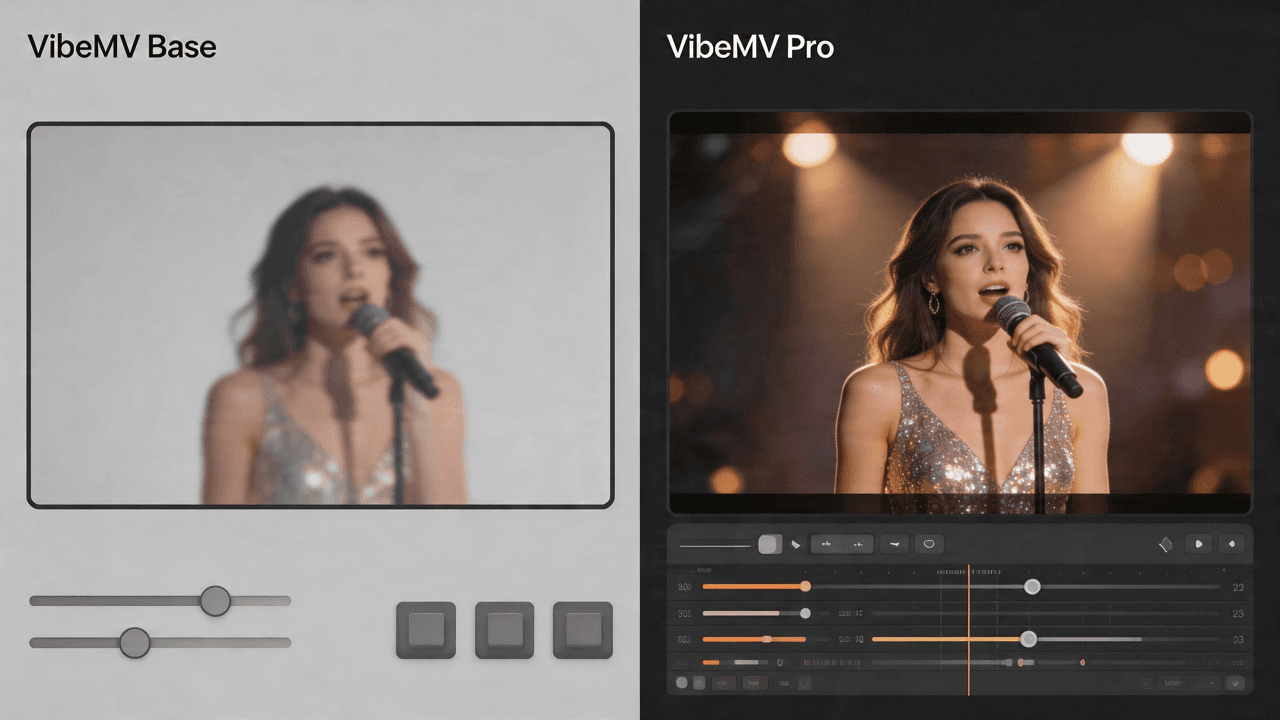
VibeMV Base vs Pro: Which Model Tier Should You Choose?
Not sure if VibeMV Pro is worth 6x the credits? This guide breaks down exactly when Base is enough and when Pro makes a visible difference — with real cost examples.