How to Make a Rap Music Video with AI: Practical Workflow [2026]
Create a rap music video with AI by planning hooks, verses, lip sync sections, beat-driven visuals, 9:16 clips, credits, and review checks without overpromising results.
![How to Make a Rap Music Video with AI: Practical Workflow [2026]](/_next/image?url=%2Fimages%2Fblog%2Fhow-to-make-rap-music-video-with-ai.png&w=3840&q=75 "How to Make a Rap Music Video with AI: Practical Workflow [2026]")
Making a rap music video with AI works best when you plan around the structure of the track. A rap song usually has hooks, verses, ad-libs, beat changes, pauses, and visual attitude. Treat those parts differently. Use lip sync where the mouth performance matters, and use normal AI video where movement, mood, or beat energy matters more.
VibeMV can generate music videos from audio files such as MP3, WAV, AAC, and M4A, with 16:9 and 9:16 formats, 720p default output, optional 1440p upscale, and a 2 credits per generated second pricing model. Those facts make it useful for both full rap videos and short hook clips, but they do not remove the need to review the result like an editor.
Which guide should you read next? This page is for rap-specific visuals, delivery, and lip-sync challenges. For the broader lip-sync workflow, read Turn a Song into a Lip-Sync Music Video. For a feature-level explanation, read AI Lip Sync Music Videos. For the full AI production process, use How to Make a Music Video with AI.
Rap AI Video Workflow at a Glance
| Step | What to decide | Why it matters |
|---|---|---|
| 1. Pick the section | Hook, verse, intro, beat drop, or full song | Each part needs a different visual job |
| 2. Choose format | 16:9 for full MV, 9:16 for social clips | Framing changes how faces and movement read |
| 3. Decide mode | Lip-sync mode or normal mode | Rap vocals can be dense, so not every bar should be lip-synced |
| 4. Write visual direction | Character, setting, color, camera mood | Generic "rap video" prompts produce generic results |
| 5. Budget credits | 2 credits per generated second | Short hook tests reduce waste |
| 6. Review sections | Mouth sync, energy, framing, scene fit | A strong rap video depends on rhythm and attitude |
Start with the Song Structure
Do not begin with a generic prompt. Begin by mapping the track.
A practical rap video map might look like this:
| Song part | Recommended visual role | Suggested mode |
|---|---|---|
| Intro | Establish mood, location, or character | Normal mode |
| Hook | Main identity moment, repeatable social clip | Lip-sync mode or mixed mode |
| Verse | Flow, delivery, story, or performance | Lip-sync mode for clear bars, normal mode for dense sections |
| Ad-libs | Texture and energy | Usually normal mode |
| Beat drop | Motion, cut, camera energy, abstract visuals | Normal mode |
| Outro | Resolve mood or loop back to hook | Normal mode |
This split keeps lip sync from doing work it is not good at. It also gives the video more variation than a single repeated visual idea.
Plan Lip Sync Carefully for Rap
Rap can push lip sync harder than slower vocal music because the delivery may be fast, syllable-heavy, layered, or full of ad-libs. The right question is not "can AI handle rap?" The better question is "which rap section should be lip-synced?"
Use lip sync for:
- The hook if the words are clear and memorable
- A slower or more spacious bar
- A close-up where the mouth is visible
- A character or avatar performance moment
- A short 10-30 second test before longer sections
Use normal mode instead for:
- Extremely dense double-time sections
- Heavy ad-libs layered over the lead vocal
- Mumbled, distorted, screamed, or heavily processed delivery
- Wide shots where the mouth is too small to judge
- Parts where beat energy matters more than mouth movement
If you need a deeper explanation of what makes lip sync work or fail, read AI Lip Sync Music Videos.
Prepare the Audio
VibeMV can work from a finished audio file, but rap lip sync improves when the vocal is easy to read.
Before generating:
- Use the final or near-final mix, not a rough demo
- Choose a section where the lead vocal sits clearly above the beat
- Avoid unnecessary silence at the start of the clip
- If you have stems, test lip sync with the clean main vocal first
- Treat stacked ad-libs as a reason to test shorter sections
- Keep the full mix for final listening, but judge lip sync on the main vocal clarity
You do not need to change the rapper's style. You just need to choose sections where the mouth movement can be evaluated fairly.
Choose 16:9 or 9:16 Early
Rap videos often need both a full release version and short social clips, but those formats should be planned separately.
Use 16:9 when:
- You are making a full YouTube or website release
- The video needs wide scenes, cinematic framing, or multiple environments
- You want the entire track to feel like one finished MV
Use 9:16 when:
- You are testing a hook for TikTok, Reels, or Shorts
- The video is built around a face, character, or vertical performance shot
- You want several short clips from one song
Avoid assuming that a 16:9 rap video can always be cropped into a good vertical clip. If the face, body, or focal point sits outside the center column, the vertical version may lose the point of the shot. For vertical-first planning, see the TikTok AI music video workflow.
Write Better Rap Video Prompts
Rap prompts should describe the job of the scene, not only the aesthetic. "Dark urban rap video" is usually too broad. A better prompt explains subject, setting, lighting, camera mood, and movement.
Prompt patterns:
- Performance close-up: "front-facing rapper avatar, close-up performance shot, low-key lighting, confident expression, shallow depth of field, clean mouth visibility"
- Story scene: "night street corner after rain, warm streetlight reflections, solitary character walking through the frame, grounded cinematic mood"
- Abstract verse: "abstract black-and-silver motion, sharp cuts on beat, smoke-like forms, high contrast, no text, centered composition"
- Hook clip: "vertical 9:16 close-up, strong first frame, character centered, high contrast lighting, minimal background, social clip composition"
- Beat drop: "fast camera movement, rhythmic light flashes, urban textures, beat-synced transitions, no face close-up"
The key is to keep each section focused. A verse prompt can be darker and more narrative; a hook prompt can be simpler and more memorable.
Budget Credits Before Rendering
VibeMV charges 2 credits per generated second.
| Output | Duration | Credits |
|---|---|---|
| Hook test | 10 seconds | 20 credits |
| Short social clip | 15 seconds | 30 credits |
| Longer vertical snippet | 30 seconds | 60 credits |
| One-minute visual | 60 seconds | 120 credits |
| Full 3-minute track | 180 seconds | 360 credits |
| Full 5-minute track | 300 seconds | 600 credits |
If the style is not locked yet, do not start with the full song. Generate a short hook test first. Once the character, prompt, and mode choices feel right, expand to a full-length 16:9 video or build a set of 9:16 clips.
Optional 1440p upscale should come after review, not before. Upscale only when the base render is worth keeping.
Review Like an Editor
Rap videos depend on timing and attitude. A render can look visually strong and still fail the track if the energy is wrong.
Review these points:
- Does the first frame fit the song's identity?
- Does the visual energy match the delivery?
- Are hook sections more memorable than verse filler?
- Does lip sync stay readable on the clearest lines?
- Are ad-libs and layered vocals handled without visual confusion?
- Does the face stay inside the safe area for vertical clips?
- Are transitions landing near musical changes?
- Would a non-fan understand the mood within a few seconds?
If a section fails, regenerate that section with a narrower instruction. Do not rewrite the whole concept unless the core visual direction is wrong.
Common Mistakes
Trying to lip-sync every bar
Fast rap and layered ad-libs can make all-lip-sync videos feel busy. Use lip sync where the words and face matter most.
Using one prompt for the whole song
Rap tracks often change energy between intro, verse, hook, and drop. Use section-specific prompts when the song changes.
Starting with a full-song render
A short hook test is cheaper and more informative. It tells you whether the character, style, and format are working.
Cropping 16:9 after the fact
Some wide shots do not survive vertical cropping. If social clips matter, plan 9:16 versions directly.
Making the video more generic than the song
Rap is voice, attitude, writing, and identity. A safe generic "urban" scene can weaken a distinctive track. Let the lyrics, flow, or mood decide the visual direction.
Frequently Asked Questions
Can AI make a rap music video from a finished song?
Yes. You can upload a finished rap track, choose 16:9 or 9:16, set a visual direction, and generate AI video sections. The best workflow is to plan hooks, verses, ad-libs, and instrumental parts separately instead of treating the song as one identical visual block.
Can AI lip sync handle fast rap delivery?
Fast rap is harder than slower vocal delivery. Use lip sync for the clearest hook or bars first, keep the face front-facing and visible, and review short test clips before rendering long verses. Dense syllables, ad-libs, layered vocals, and heavy effects can still create visible sync issues.
What visual style works best for a rap music video?
There is no single best style. Match the visual direction to the track: performance close-ups for vocal identity, urban or cinematic scenes for storytelling, abstract visuals for experimental bars, and beat-driven motion for drops or instrumental sections.
How many credits does a rap music video use in VibeMV?
VibeMV uses 2 credits per generated second. A 15-second hook clip uses about 30 credits, a 30-second vertical snippet uses about 60 credits, a 3-minute video uses about 360 credits, and a 5-minute video uses about 600 credits before optional upscaling.
Should I generate a full rap video or short social clips first?
If you are unsure about the visual direction, start with a 10-30 second hook clip. Once the hook, character, and style work, expand to a full 16:9 video or create more 9:16 clips for TikTok, Reels, and Shorts.
Can I mix lip sync and normal AI video in a rap video?
Yes. A practical structure is lip-sync mode for clear hook or verse close-ups, and normal mode for intros, beat drops, B-roll, abstract scenes, or sections with dense ad-libs.
Conclusion
The strongest AI rap videos are planned by section. Let the hook, verse, ad-libs, and beat changes decide whether a part needs lip sync, normal AI visuals, a vertical clip, or a full-width scene.
Start with a short hook test in the AI music video generator. If the direction works, use pricing to plan credits for longer 16:9 renders or multiple 9:16 snippets. For broader release planning, read the AI music video guide for independent artists.
More Posts
![Audio to Video AI: Complete Guide to Converting Sound into Visuals [2026]](/_next/image?url=%2Fimages%2Fblog%2Faudio-to-video-ai-guide.png&w=3840&q=75 "Audio to Video AI: Complete Guide to Converting Sound into Visuals [2026]")
Audio to Video AI: Complete Guide to Converting Sound into Visuals [2026]
Turn any audio file into video with AI. Covers music videos, podcast clips, visualizers, and audio-video sync — with tool comparisons, workflows, and pricing for each use case.

How to Make a Music Video in 2026: Complete Beginner's Guide
Learn how to make a music video with AI, phone footage, or a traditional production workflow. Compare methods, budgets, formats, and next steps for YouTube, TikTok, and Instagram.
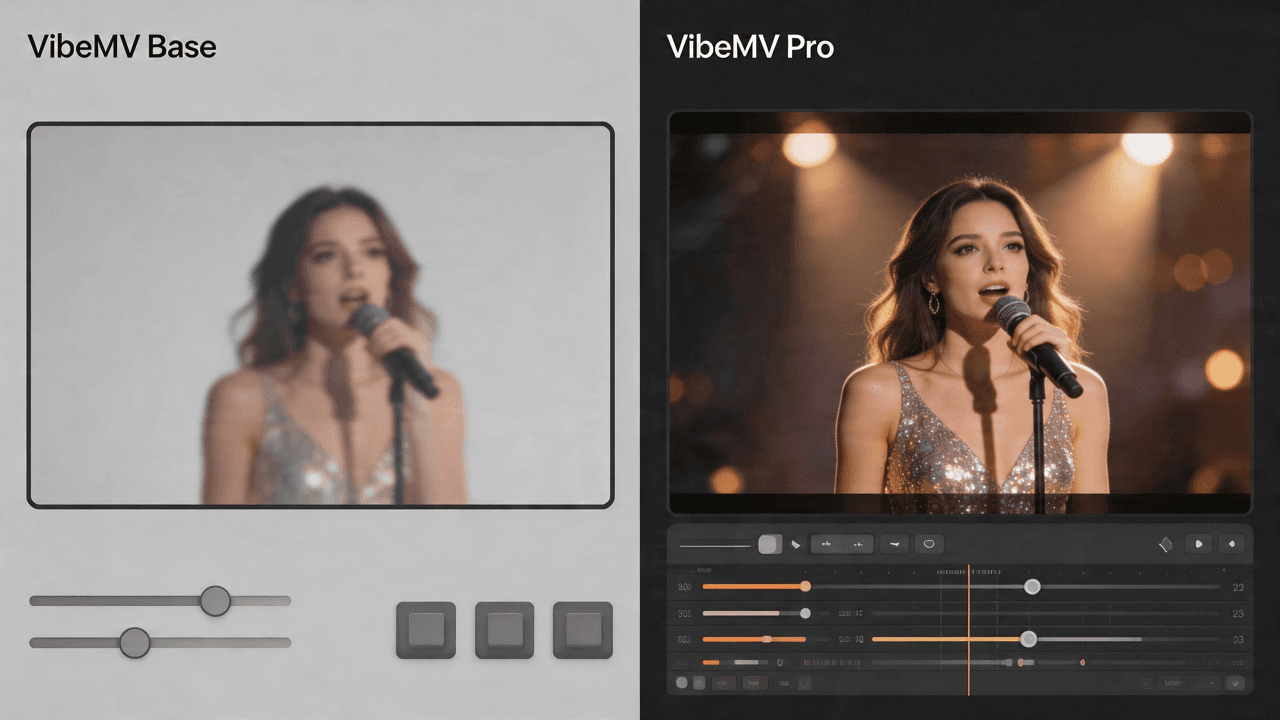
VibeMV Base vs Pro: Which Model Tier Should You Choose?
Not sure if VibeMV Pro is worth 6x the credits? This guide breaks down exactly when Base is enough and when Pro makes a visible difference — with real cost examples.